
Harmonica



A simple, physics-based animation library for smooth, natural motion.

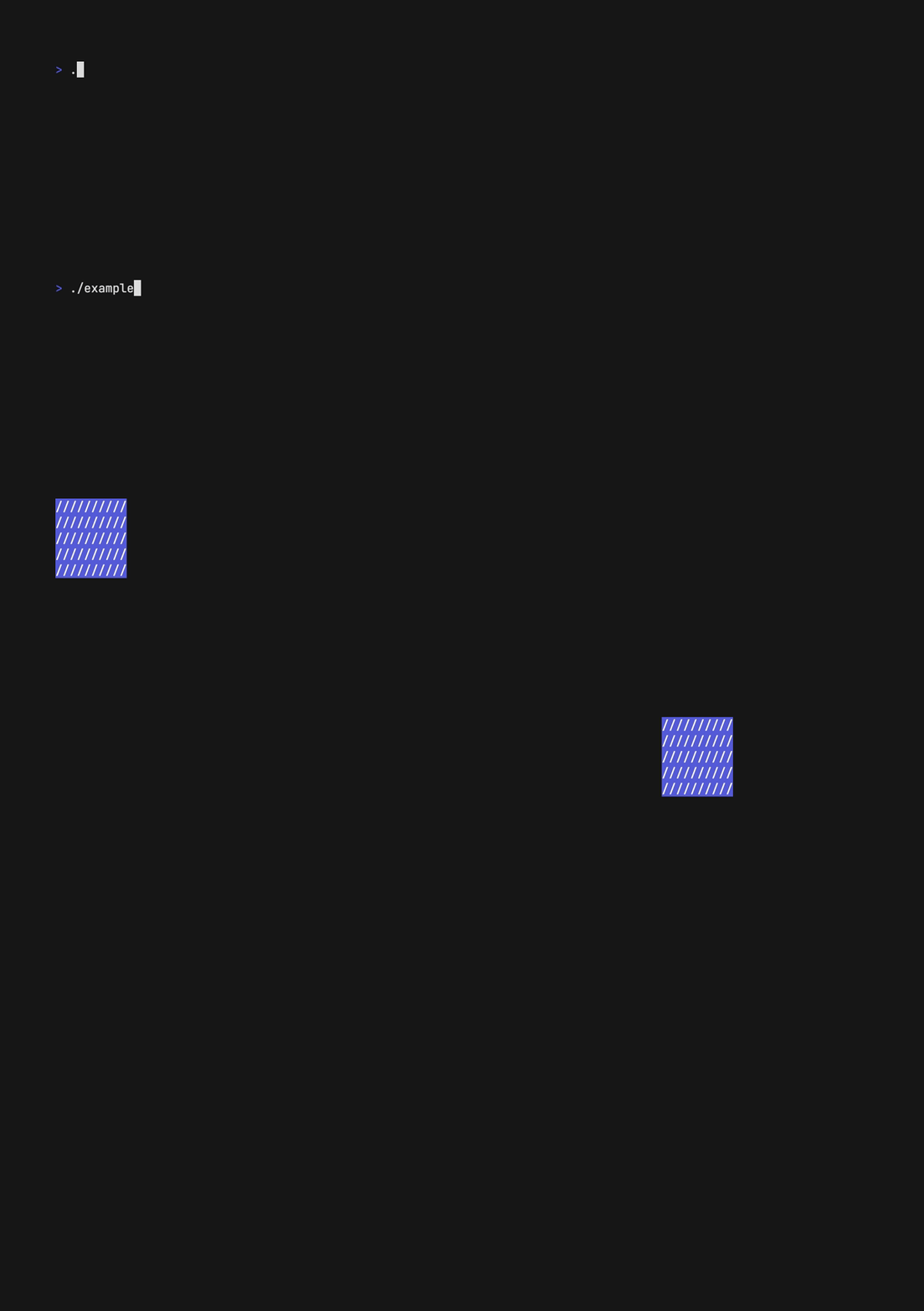
It even works well on the command line.

Or with projectile motion.
Usage
Harmonica is framework-agnostic and works well in 2D and 3D contexts.
Harmonica provides Spring motion to simulate oscilating springs and Projectile motion to simulate particle physics-based motion.
Springs
Simply call NewSpring with your settings to initialize and
Update on each frame to animate.
import "github.com/charmbracelet/harmonica"

// A thing we want to animate.
sprite := struct{
    x, xVelocity float64
    y, yVelocity float64
}{}

// Where we want to animate it.
const targetX = 50.0
const targetY = 100.0

// Initialize a spring with framerate, angular frequency, and damping values.
spring := harmonica.NewSpring(harmonica.FPS(60), 6.0, 0.5)

// Animate!
for {
    sprite.x, sprite.xVelocity = spring.Update(sprite.x, sprite.xVelocity, targetX)
    sprite.y, sprite.yVelocity = spring.Update(sprite.y, sprite.yVelocity, targetY)
    time.Sleep(time.Second/60)
}
NewSpring takes three values:
- Time Delta: the time step to operate on. Game engines typically provide
a way to determine the time delta, however if that's not available you can
simply set the framerate with the included
FPS(int)utility function. Make sure the framerate you set here matches your actual framerate. - Angular Velocity: this translates roughly to the speed. Higher values are faster.
- Damping Ratio: the springiness of the animation, generally between
0and1, though it can go higher. Lower values are springier. For details, see below.
Damping Ratios
The damping ratio affects the motion in one of three different ways depending on how it's set.
- Under-Damping: damping ratio less than
1. Reaches equilibrium fastest, but overshoots and continues to oscillate. - Critical Damping: damping ratio exactly
1. Reaches equilibrium as fast as possible with oscillating. - Over-Damping: damping ratio greater than
1. Never oscillates, but reaches equilibrium slower.
Acknowledgements
This library is a fairly straightforward port of Ryan Juckett’s excellent damped simple harmonic oscillator originally written in C++ in 2008 and published in 2012. Ryan’s writeup on the subject is fantastic.
Projectiles
Simply call NewProjectile with your settings to initialize
a new projectile and Update on each frame to simulate physics and
animate.
import "github.com/charmbracelet/harmonica"

// A projectile with physics
projectile := harmonica.NewProjectile(
  harmonica.FPS(60),
  harmonica.Point{X: 0, Y: 0}, // initial position
  harmonica.Vector{X: 5, Y: 0}, // initial velocity
  harmonica.Gravity, // acceleration
)

// Animate!
for {
  projectile.Update()
  // display projectile.Position()
  time.Sleep(time.Second/60)
}
NewProjectile takes four values:
- Time Delta: the time step to operate on. Game engines typically provide
a way to determine the time delta, however if that's not available you can
simply set the framerate with the included
FPS(int)utility function. Make sure the framerate you set here matches your actual framerate. - Initial Position: the starting position (as a
Point). The position will change based on the velocity every frame. - Initial Velocity: the starting velocity of the projectile as a
Vector. Every update the acceleration will affect this velocity. - Initial Acceleration: the initial acceleration of the projectile as a
Vector.GravityandTerminalGravityare provided as convenience methods.
For details, see the examples and the docs.
Feedback
We’d love to hear your thoughts on this project. Feel free to drop us a note!
License
Part of Charm.

Charm热爱开源 • Charm loves open source